
We get same question from many customers"I have a Launch X431 Scanner,Does it support connect a Scope?"

Until now,only Launch X431 V Pro,V+ and pad can be connect a Scope.

So here is a tips for you.

1.Device: Launch X431 Scan tool,Scope,USB Transfer cable.
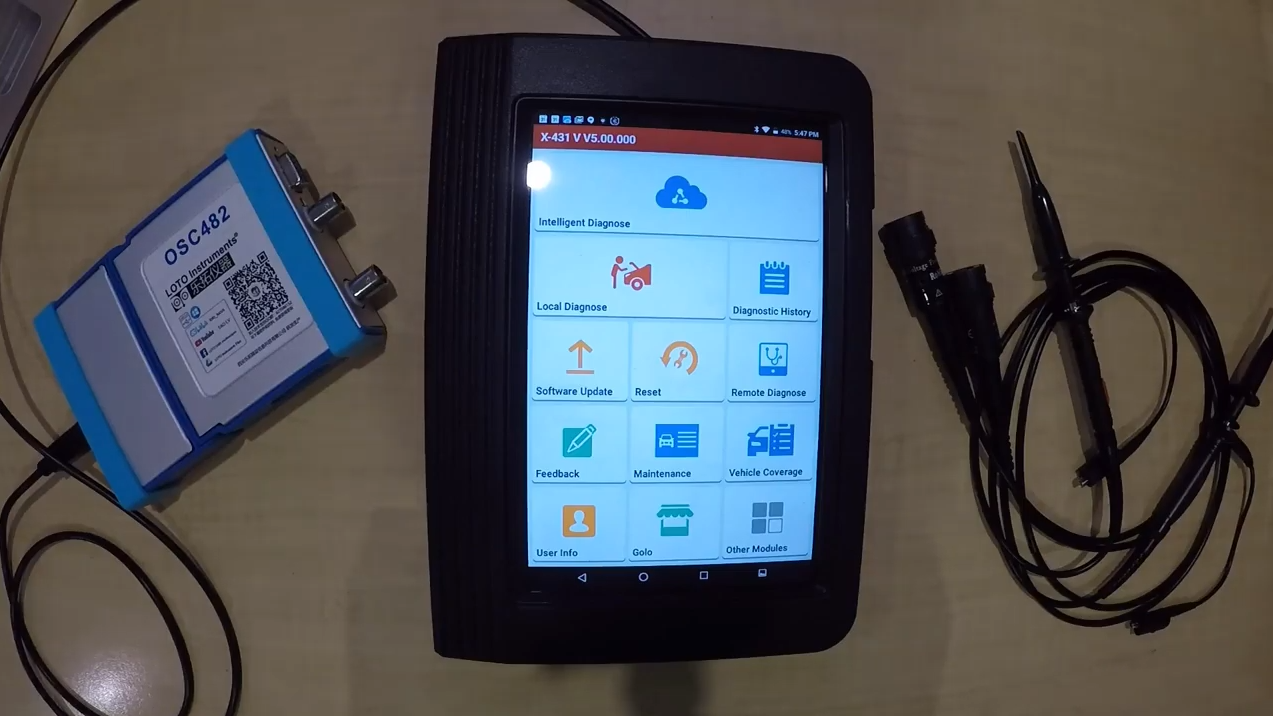
Launch scanner Scope

2.Install a Scope software on your phone.
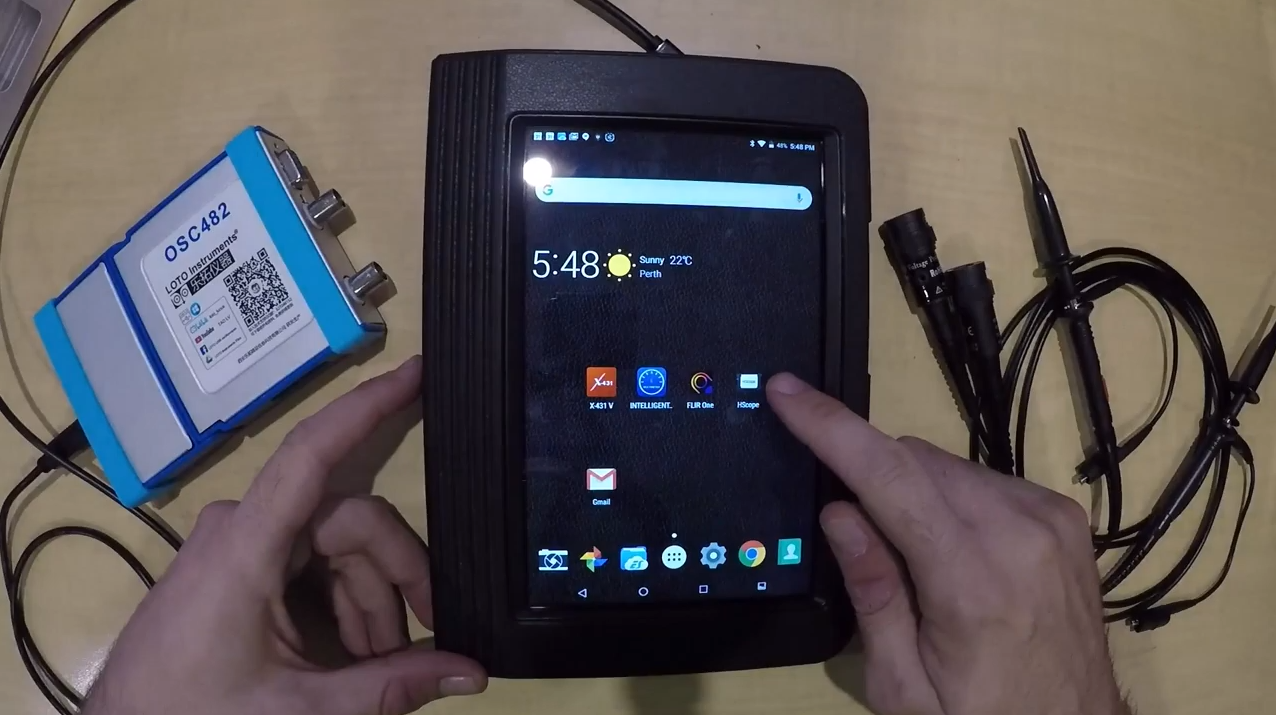
Scope software installed

3.Connecting the Scope and Launch X431 Scanner.
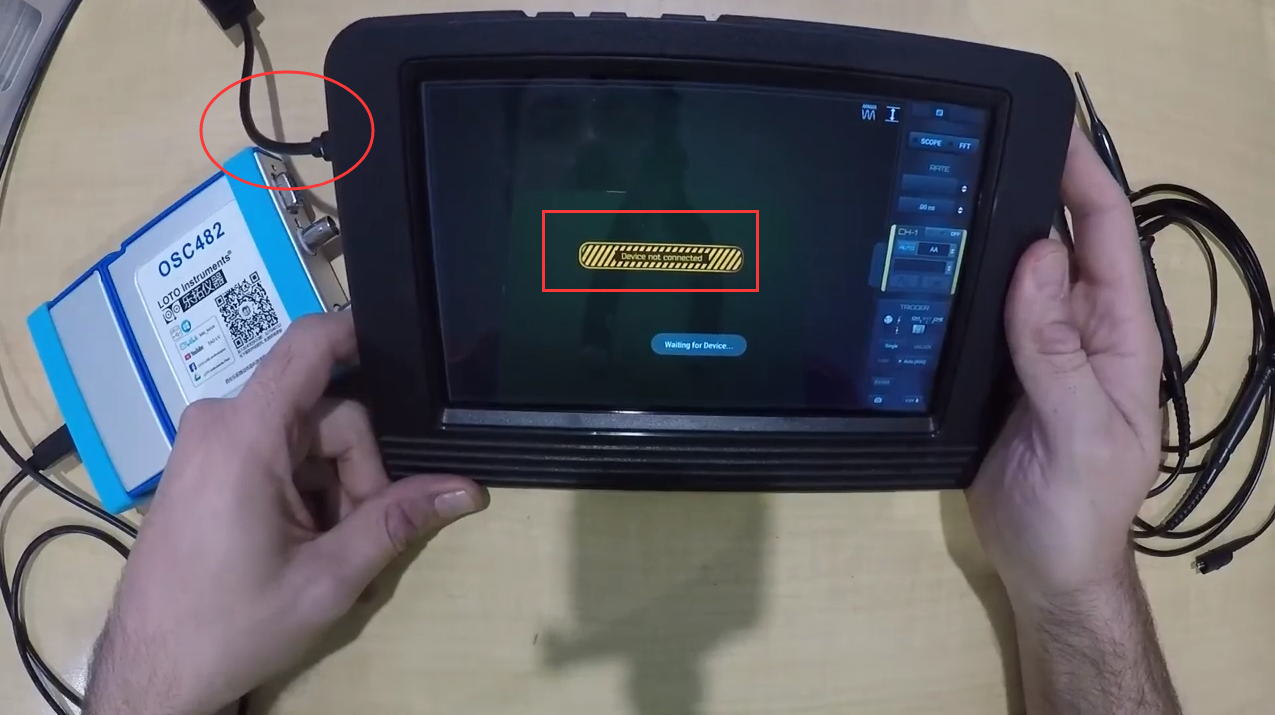
Launch X431 connecting a Scope

4.Testing it on car and get the data.
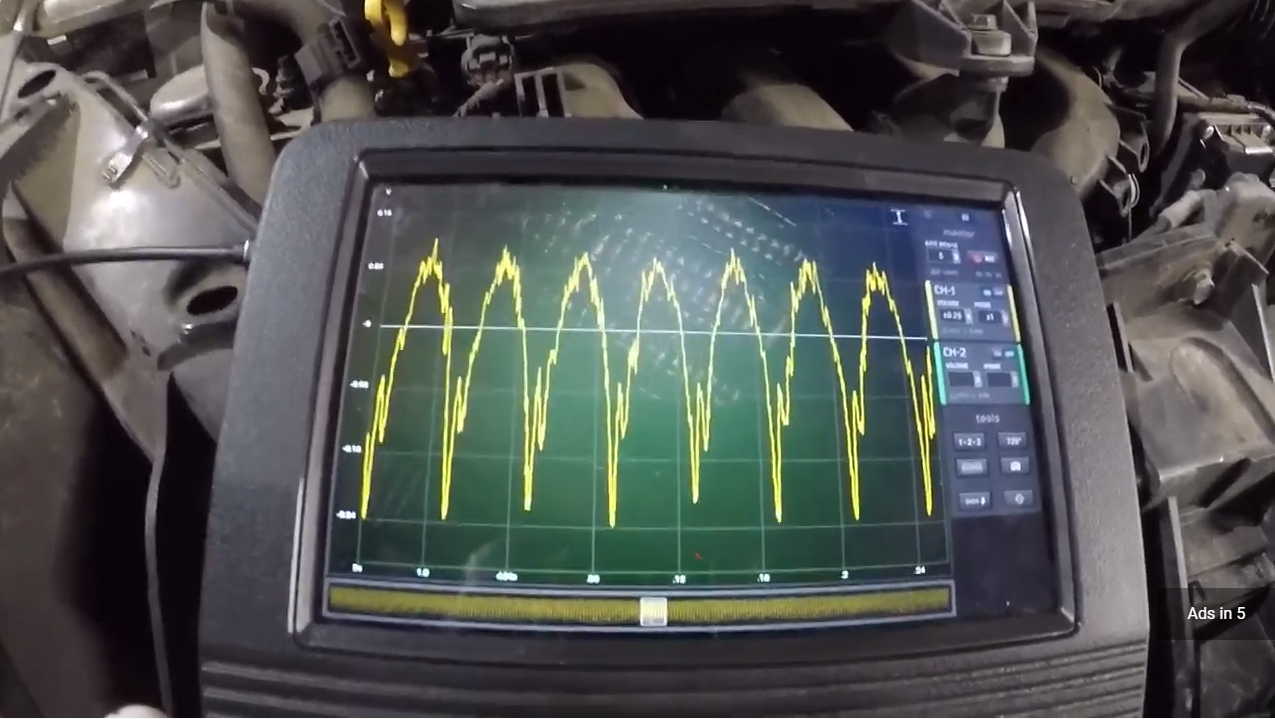
check scope data on scanner

These picture from this video.

Best diagnostic scan tool, Channel scope, Connect the launch x431 scan tool and a scope, Diagnostic equipment, Diy, Endoscope, Launch x431, Professional, Scope, Transfer cable, Usb, Youtube tips

Leave a comment

All comments are moderated before being published